Since lockdown began, we have been systematically replacing and improving our systems to provide better communication and access to information for members. The website development provides public and member-only information. You will need to be signed-in to access the member-only content.
How to sign in.
A user account has been set up for you which includes a unique username, email address and password. To activate it you will need to reset your password, create a new one and sign in, by following these simple steps:
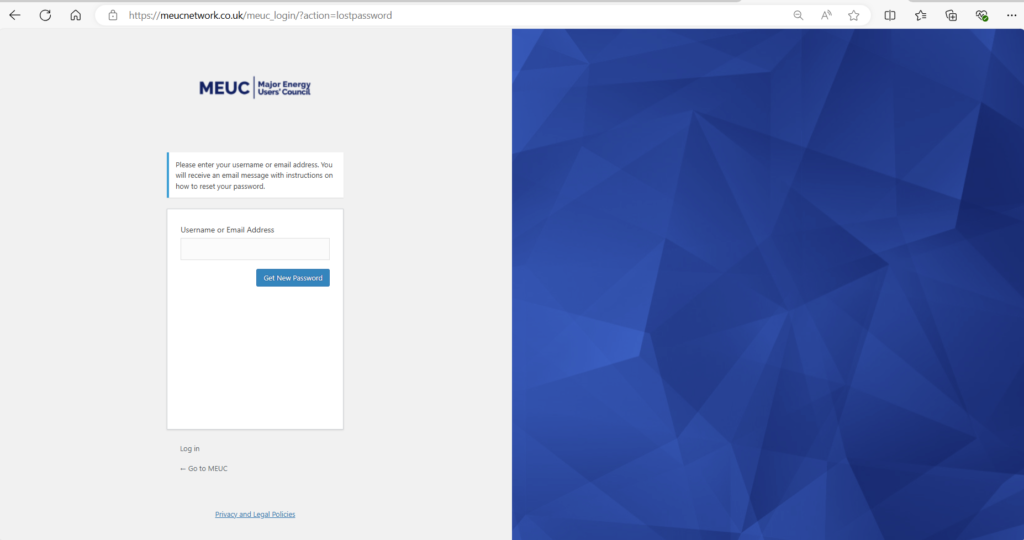
- Visit https://meucnetwork.co.uk/meuc_login/?action=lostpassword this will take you to the reset password page.
- Enter your email address and click Get New Password.
- Check your email (including spam/junk folder) for an email from: NOREPLY [MEUC Network] titled Password Reset. Either click through or cut and paste the link into a browser, this will take you to a page asking you to Enter your New Password. Either use your own or copy the suggested password if you want to use it, then click Reset Password.
- Now click the small Log in link, enter your email address and new password and hit the Log In button.
- You should now be logged in with your name at the top of the screen.
When you’re in
Once in, any orange link menus/sub-menus show member-only content.
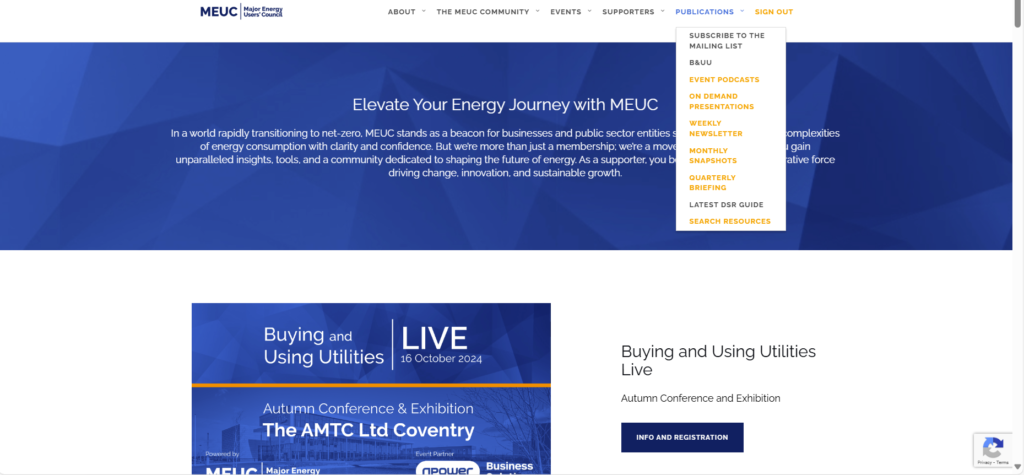
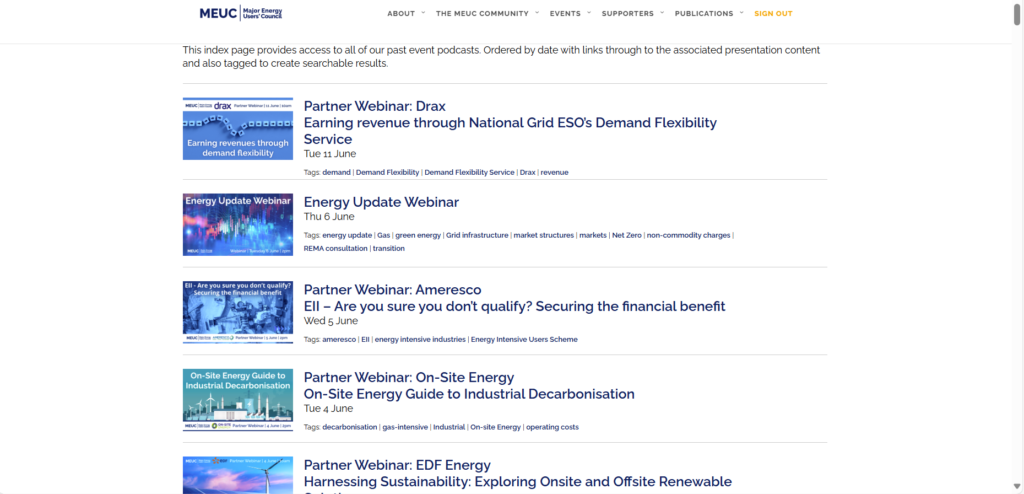
Member-only content currently includes searchable and tagged Weekly Newsletters, Monthly Snapshots, Quarterly Briefings, Past Event Podcasts (with MEUC CPD) and On Demand Presentations. There are also direct email links for contacting members of MEUC team.
If you have any issues, questions or suggestions, please do not hesitate to get in touch with robin.hale@meuc.co.uk or claire.slade@meuc.co.uk